

Console addon for The Elder Scrolls Online
NQOL
Console-focused quality-of-life tools for ESO
NQOL is an ESO console addon that brings HUD, Group Finder monitoring, chat, UI, map, mount, gear, combat, buff, food, fishing, progress, reminder, and utility tools into one gamepad-friendly settings menu.
Features
The NQOL menu, feature by feature
The sections below mirror the order and nesting of the add-on's gamepad settings, so every feature is where you expect to find it in ESO.
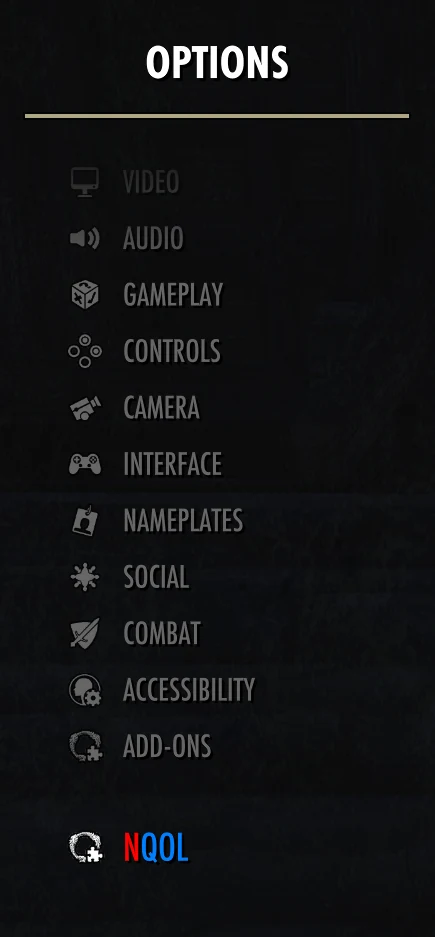
NQOL menu · 01
Antiquities
Faster lead review and less friction at dig sites.
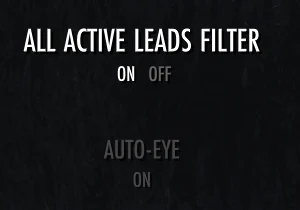
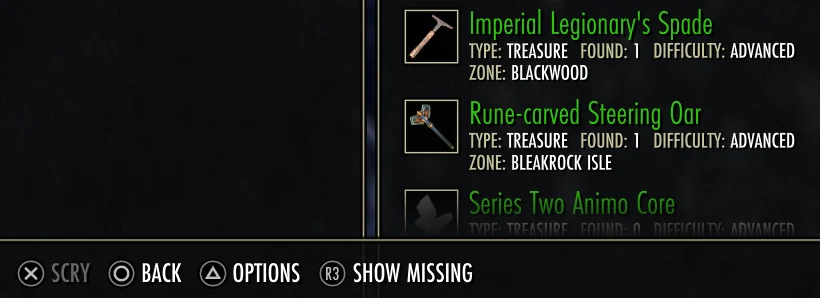
- All Active Leads filterAdds a Show Missing filter to All Active Leads so you can focus on antiquities with no codex entry unlocked.
- Auto-EyeAutomatically uses the Antiquarian's Eye inside active dig sites.
- Vendor lead indicatorsMarks vendor leads with an hourglass when currently owned and a green checkmark when previously excavated.
NQOL menu · 02
Buffs/Debuffs
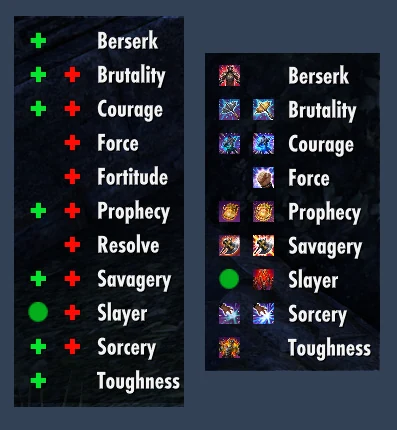
Keep important Major and Minor effects visible with a tracker you can place and style for your screen.
NQOL menu · 03
Combat
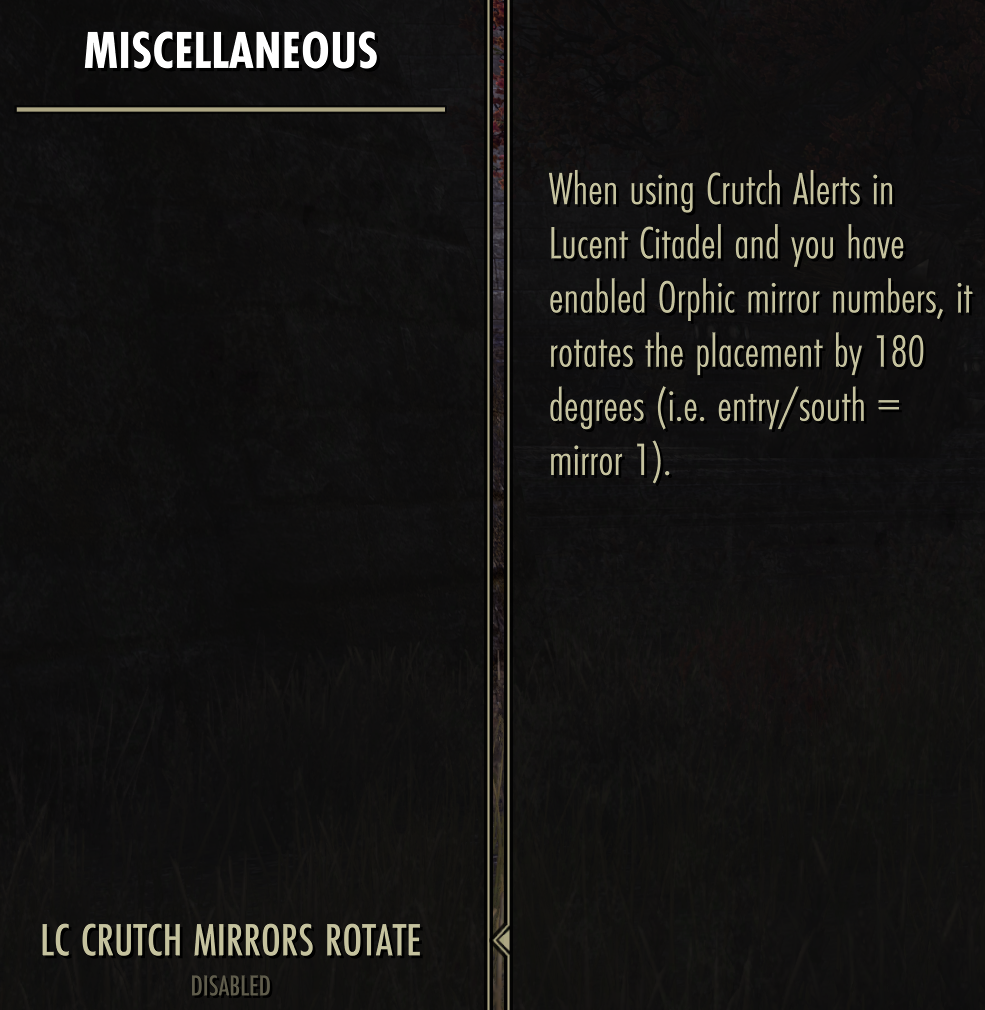
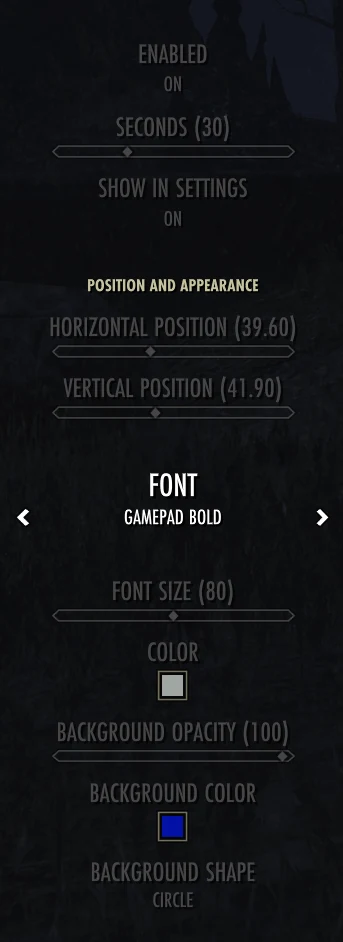
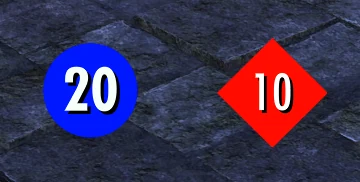
Infinite Archive records, optional combat integrations, and ultimate timing under one menu.
NQOL menu · 04
Gear
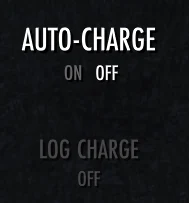
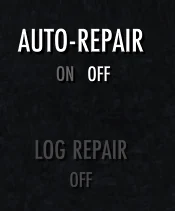
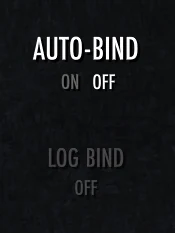
Quiet upkeep for weapons, armor, and set collection unlocks.
NQOL menu · 05
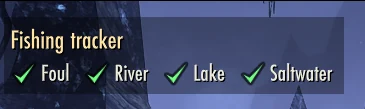
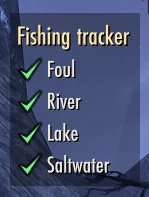
Fishing
Visual, audio, bait, and completion aids for rare fish hunting.
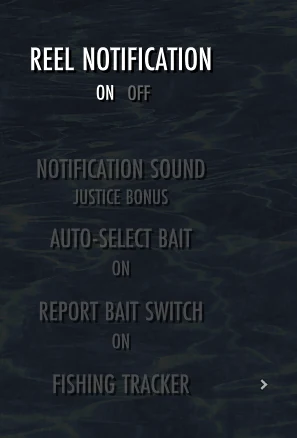
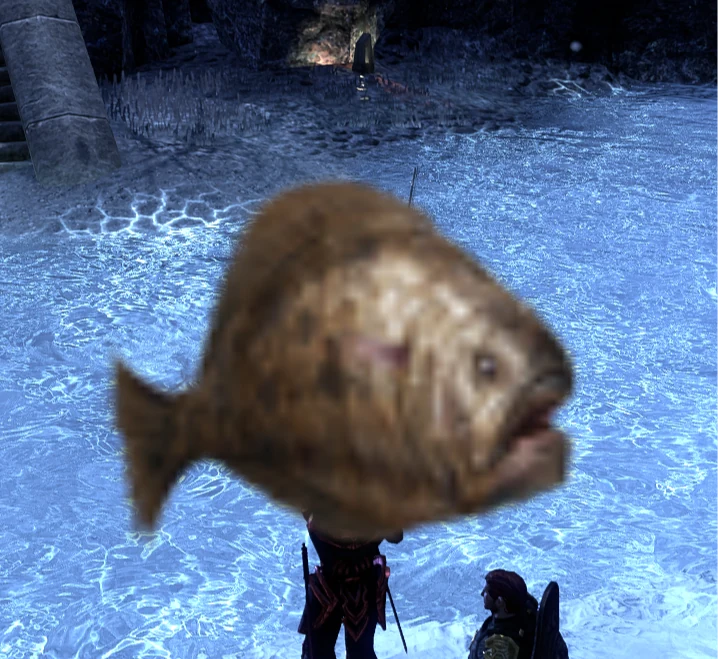
- Reel notificationShows a large animated icon and plays a selectable built-in sound when a catch is ready.
- Auto-select baitSelects the best available bait for recognized fishing holes.
- Report bait switchOptionally reports automatic bait changes in chat.
NQOL menu · 06
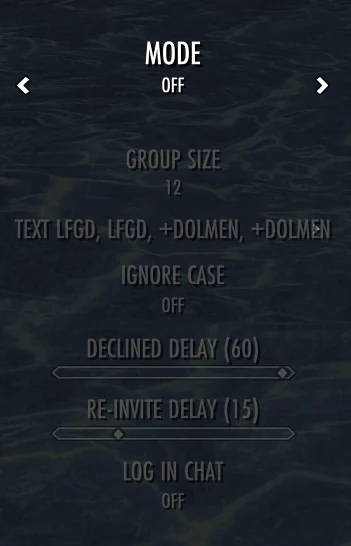
Grouping
Group automation built around the chat messages you choose.
NQOL menu · 07
Map
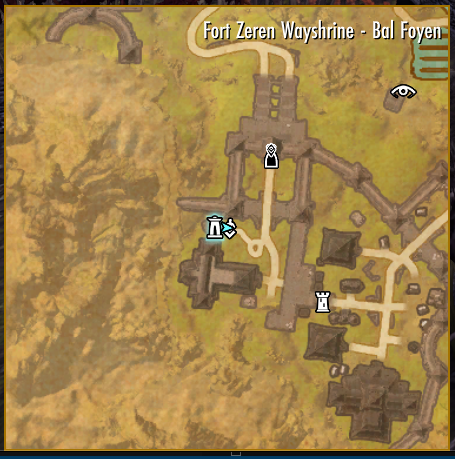
Keep the native map visible during play and remove friction from console travel.
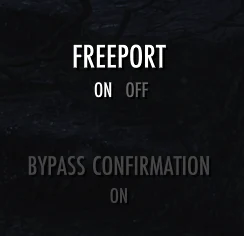
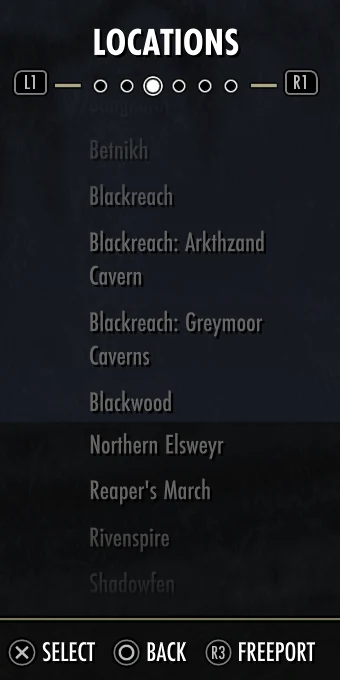
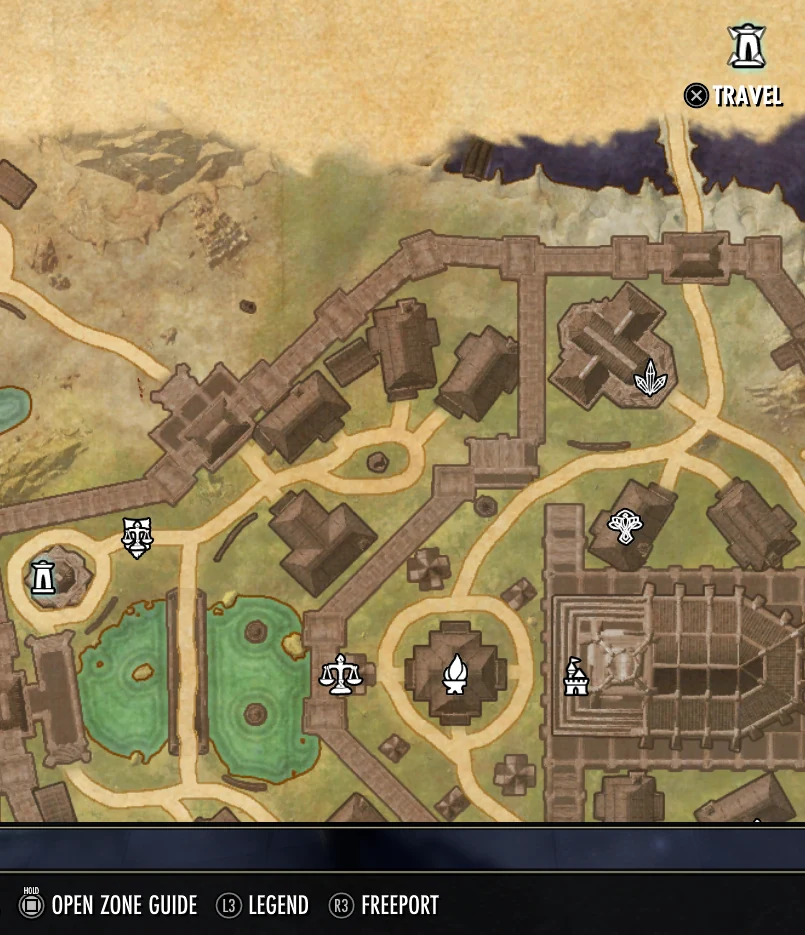
- Bypass confirmationSkips the confirmation popup when fast traveling or recalling to a wayshrine.
- FreeportAdds a Freeport action to Map Locations and Wayshrines for free travel through friends and guild members.
- Freeport FallbackChoose whether to cancel, ask first, or use paid wayshrine travel when no free player teleport is available.
NQOL menu · 08
Mounts
Small protections and reminders for everyday travel.
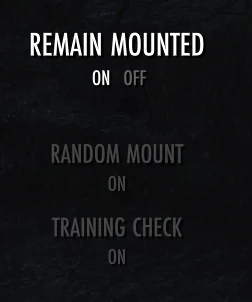
- Remain mountedBlocks interact prompts while mounted to reduce accidental dismounts, with separate options to allow Use, Open, and Talk interactions.
- Random mountSelects an unlocked mount from your random mount pool before riding.
- Training checkReminds each character when riding speed, stamina, or carrying capacity can be trained.
NQOL menu · 09
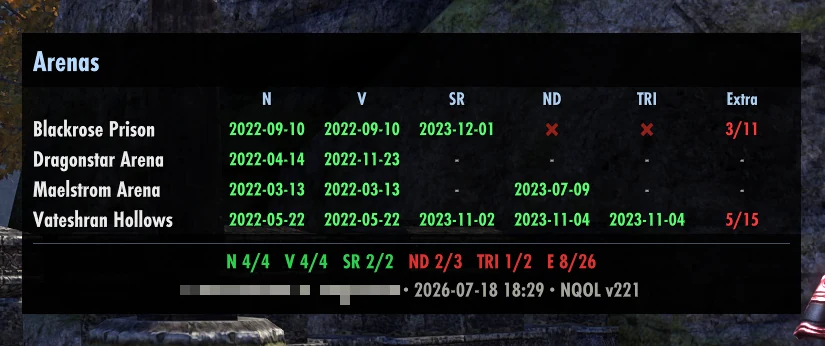
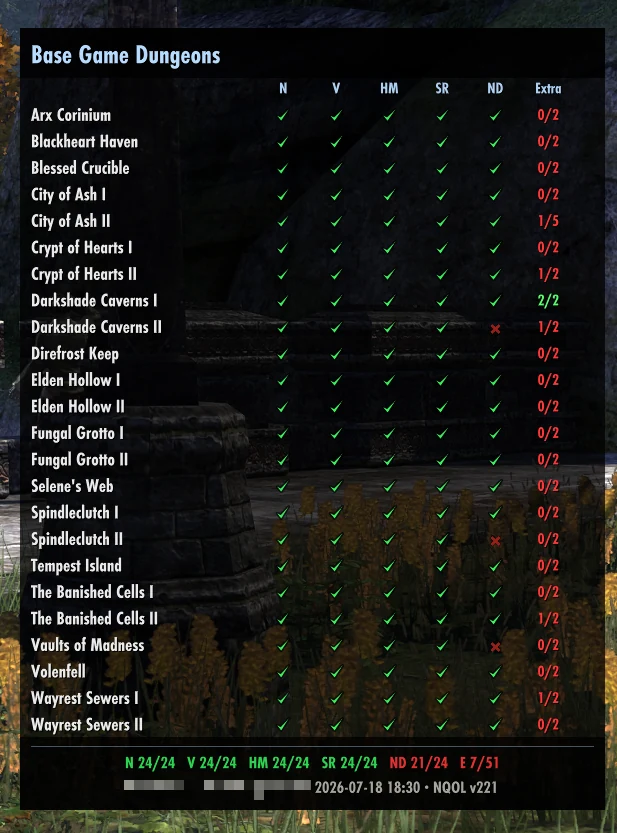
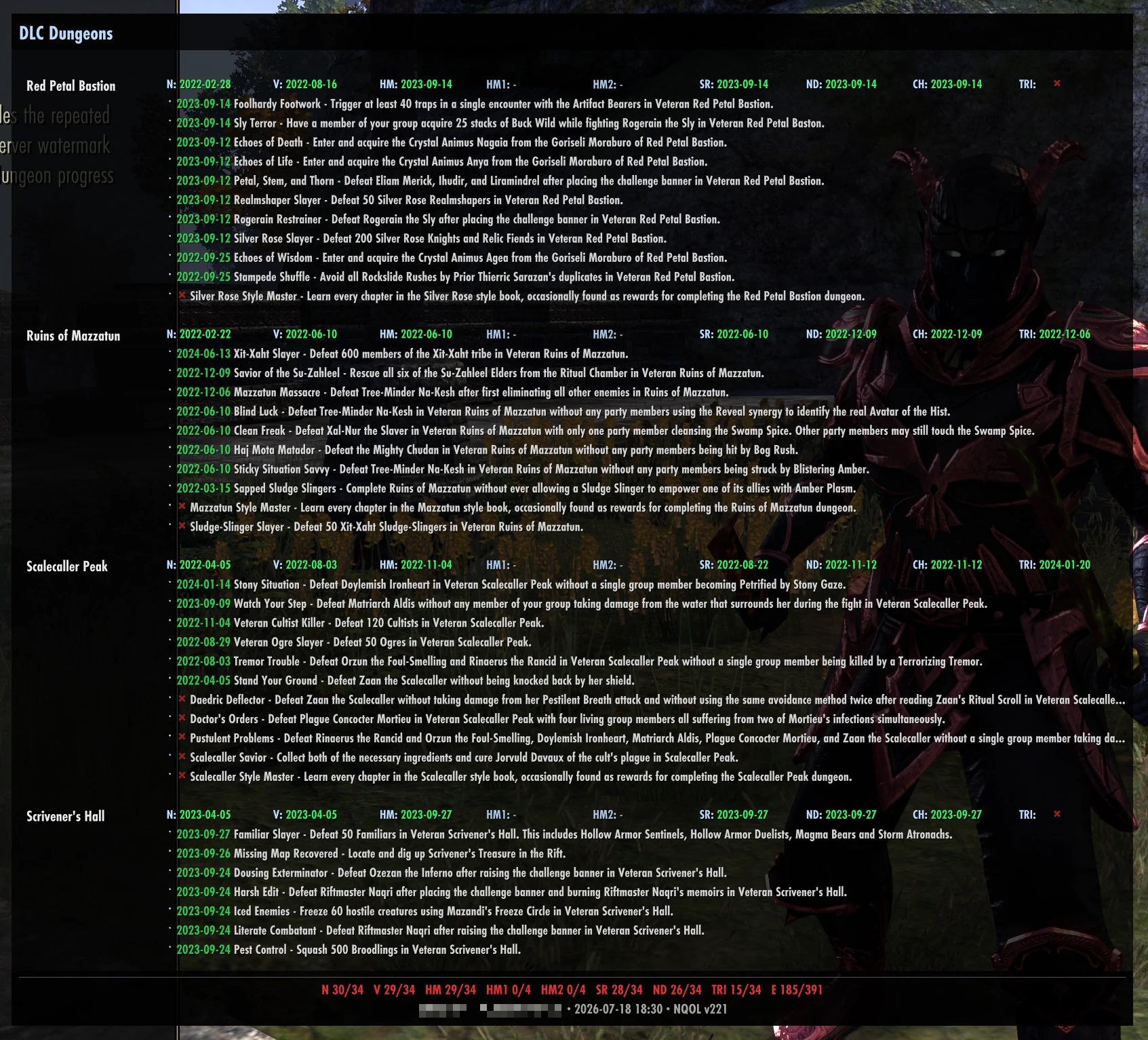
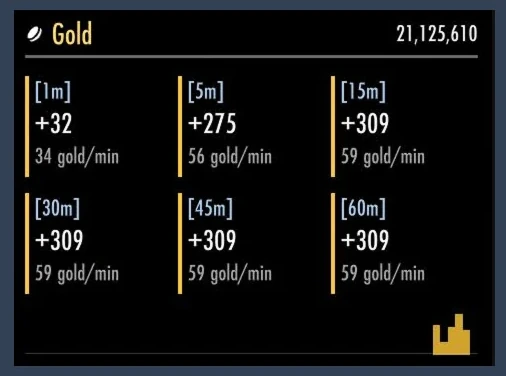
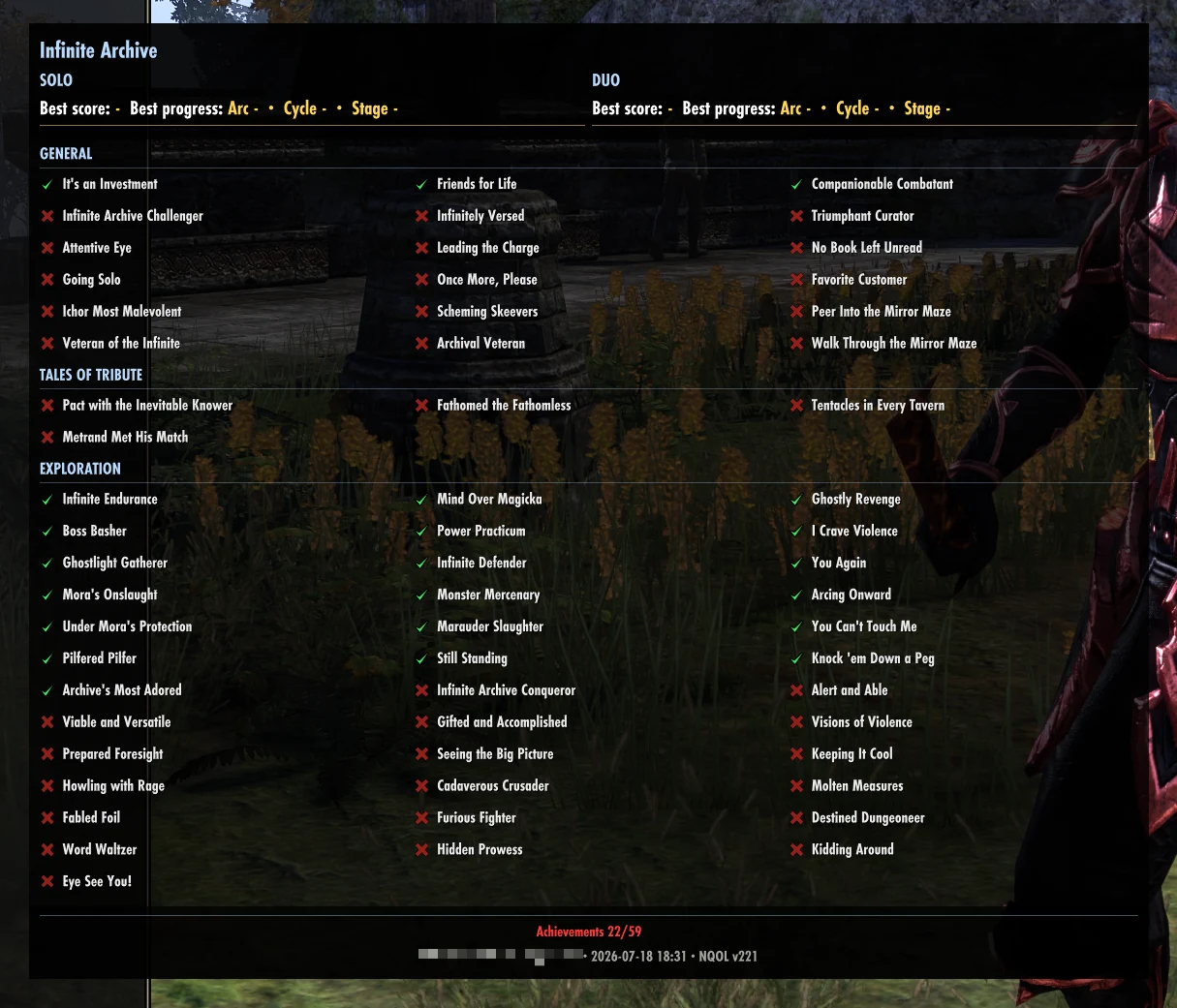
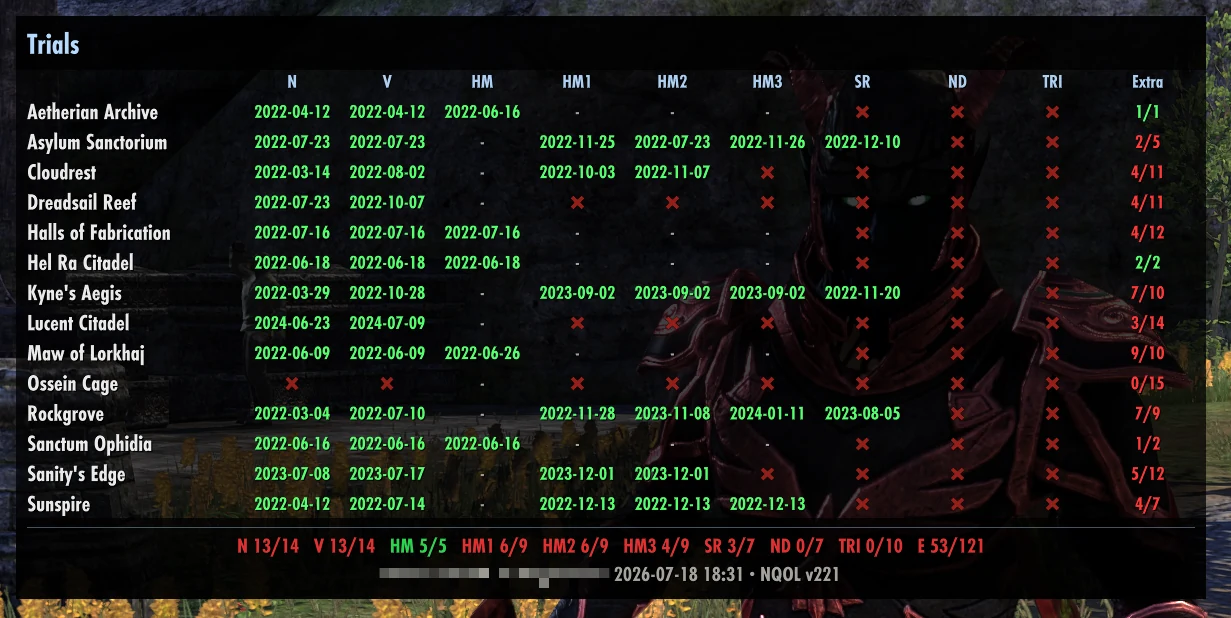
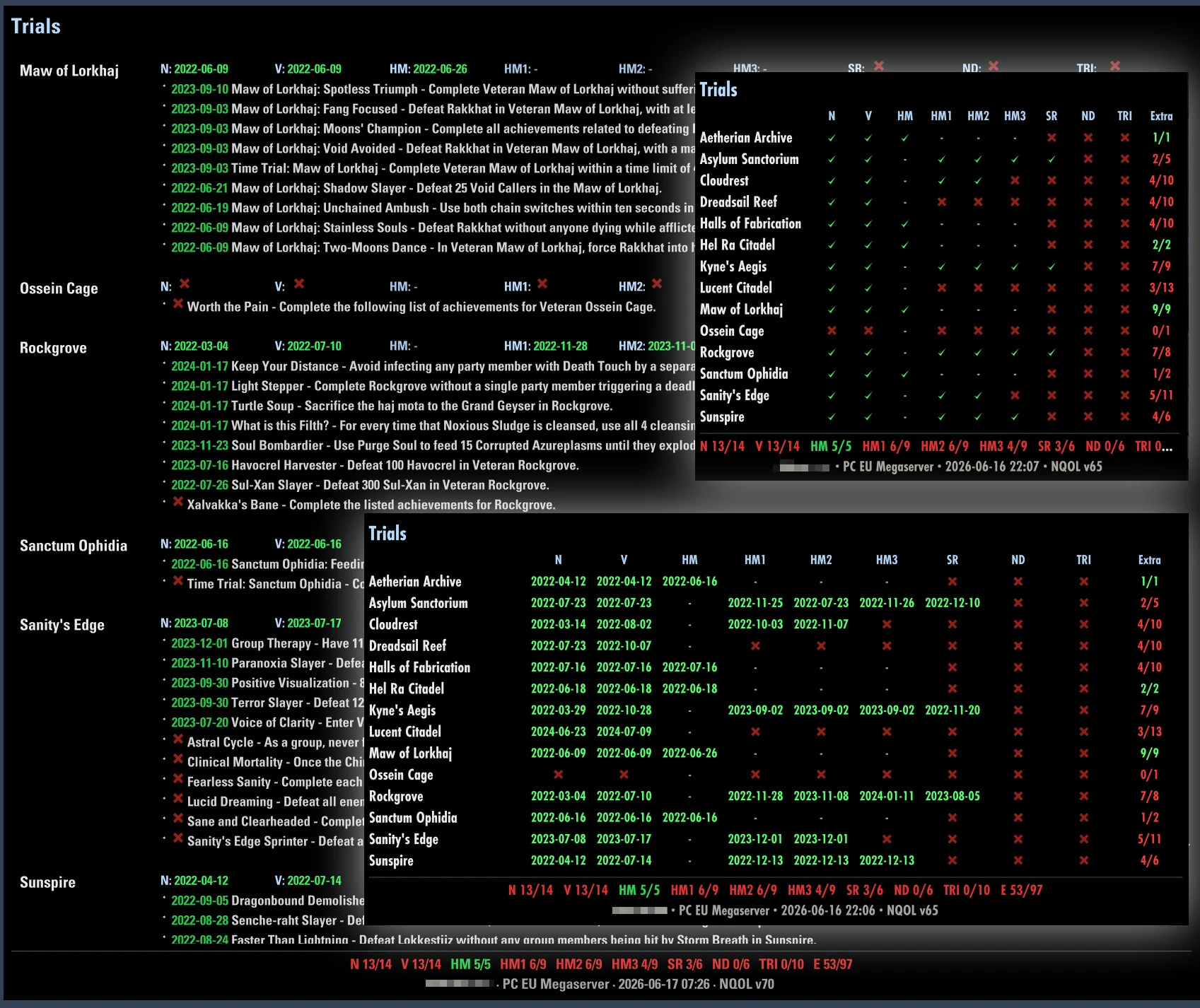
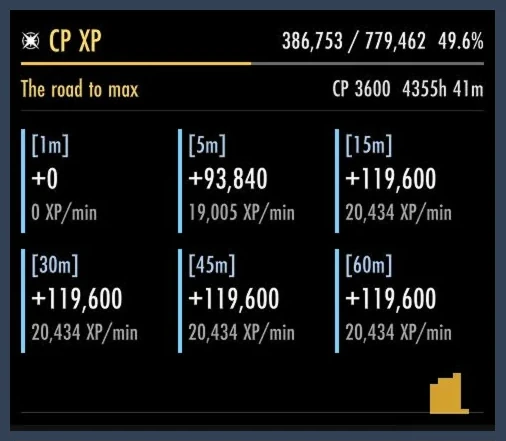
Progress
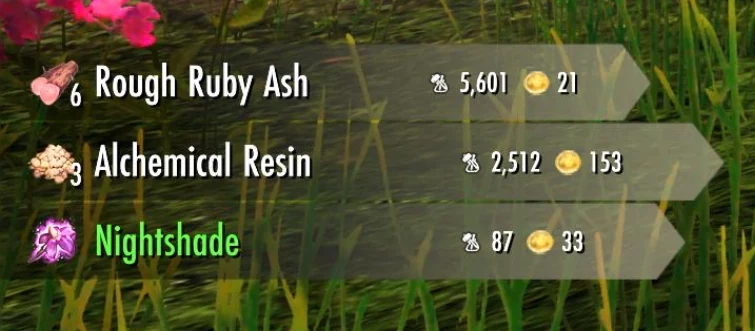
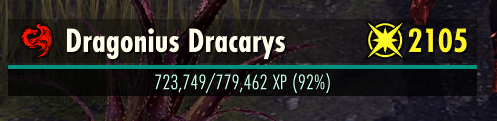
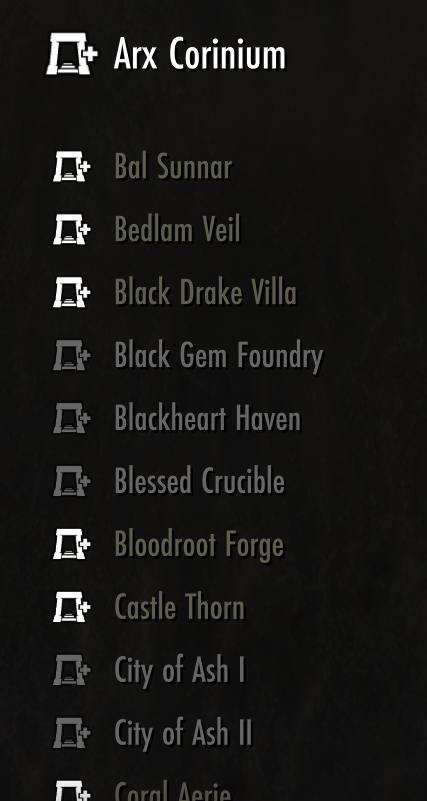
Long-term trackers, in the same order as the Progress submenu.
NQOL menu · 10
Provisioning
Keep each character's preferred food or drink buff refreshed with stock warnings.
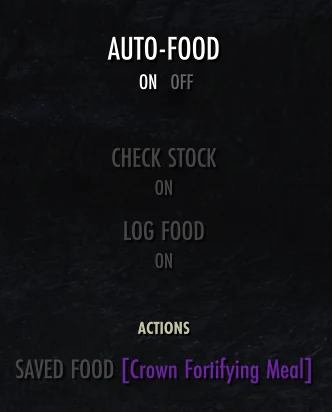
- Auto-foodReuses the character's saved food or drink when its buff is missing or nearly expired.
- Check stockWarns when fewer than five saved items remain after an automatic refresh.
- Log foodOptionally logs saved and refreshed food or drink in chat.
- Saved food actionShows the character's currently saved food or drink.
NQOL menu · 12
Ticker
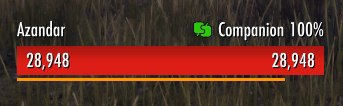
Keep selected account, character, gameplay, and performance values visible in up to three configurable rows.

NQOL menu · 13
UI
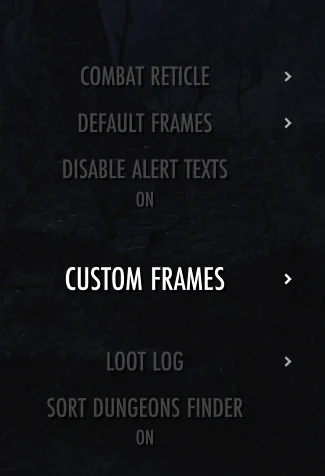
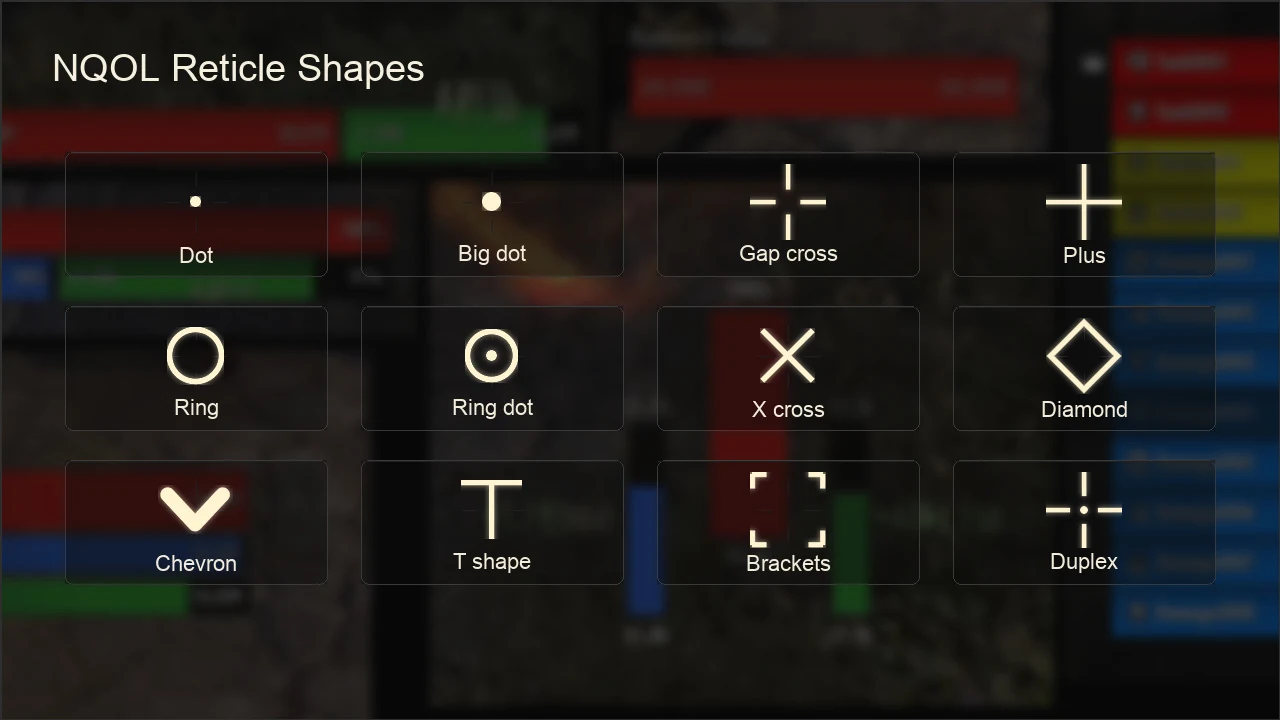
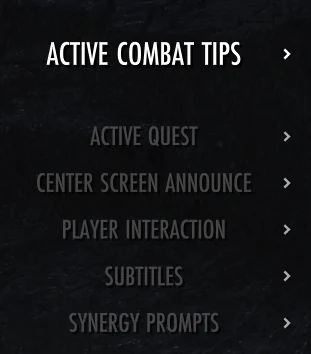
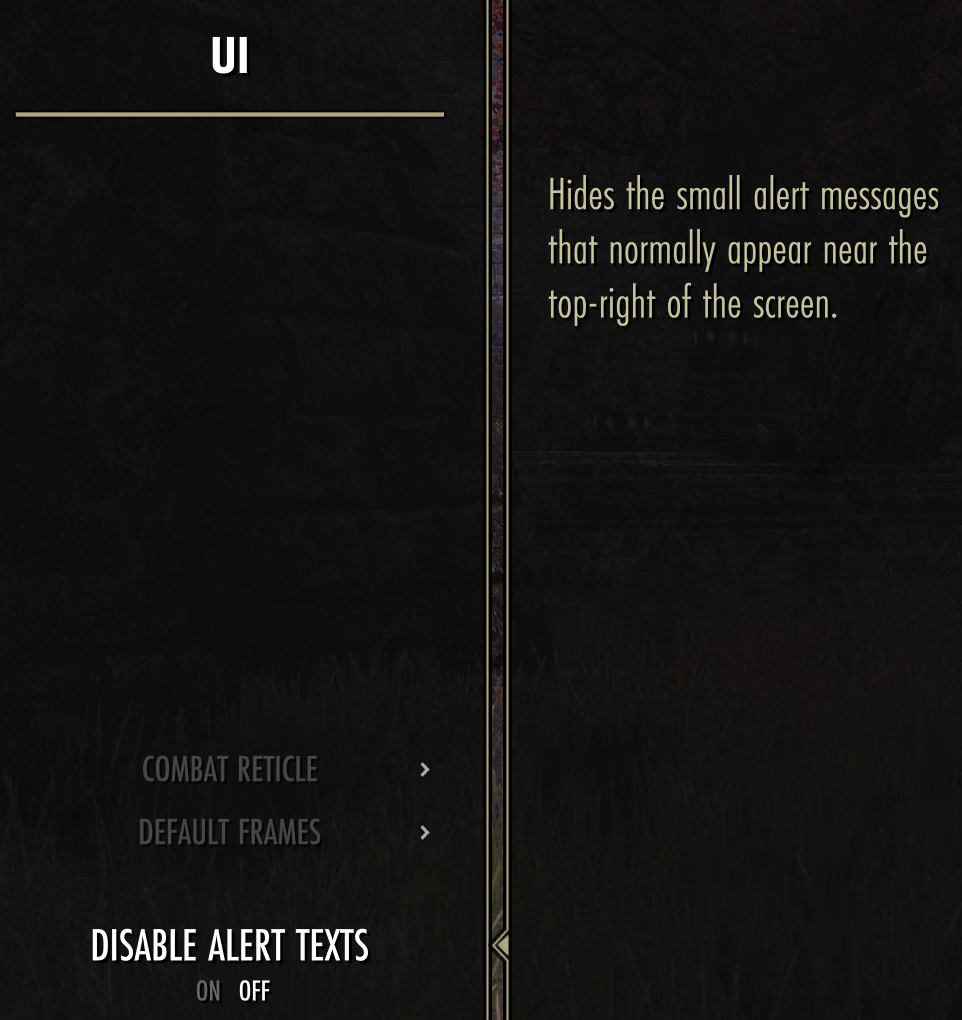
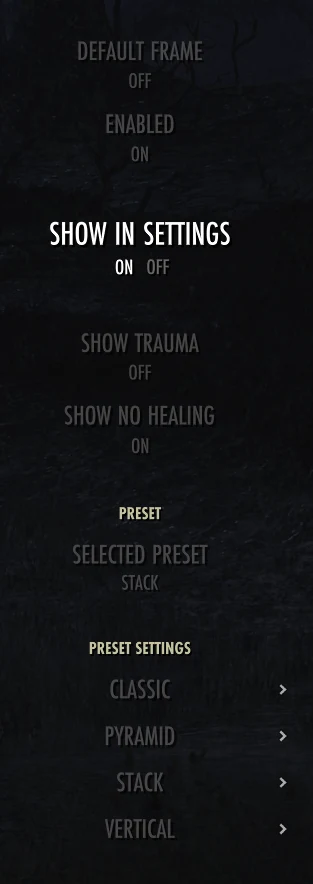
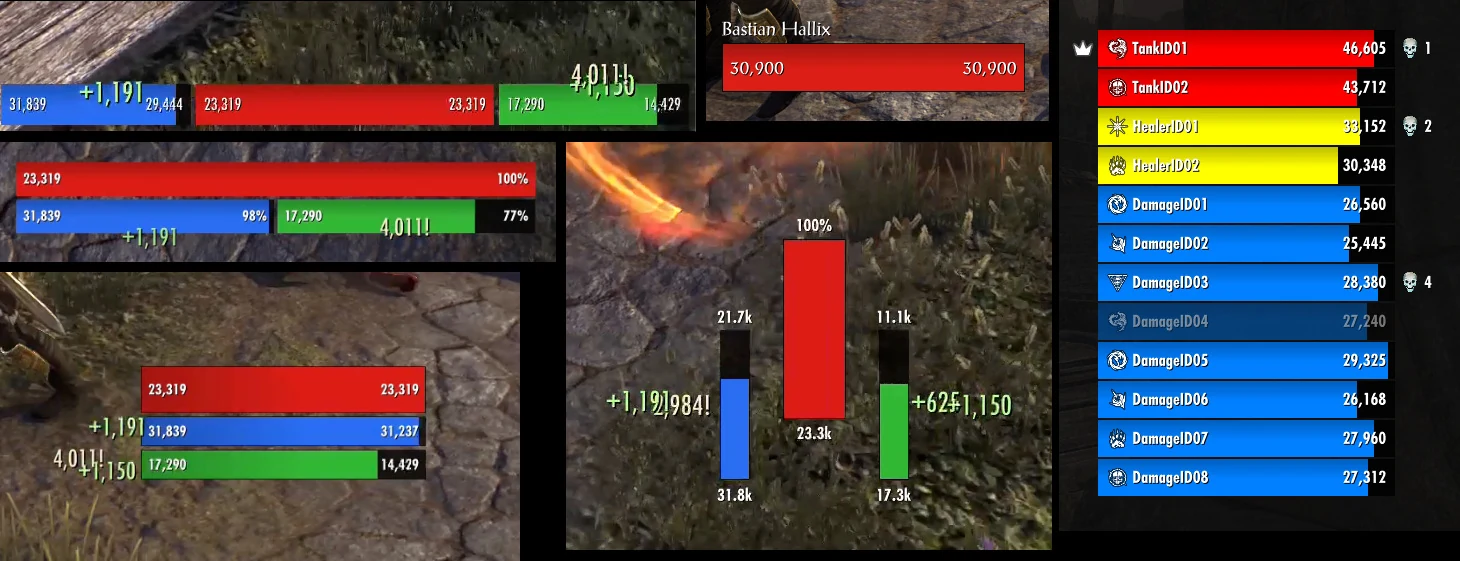
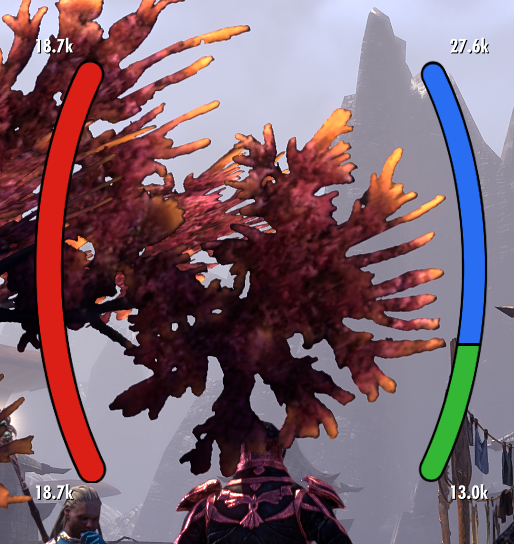
Console HUD, frame, reticle, loot, player information, and Dungeon Finder controls.
NQOL menu · 14
Utility
Small account-wide automation and safeguards for recurring console workflows.
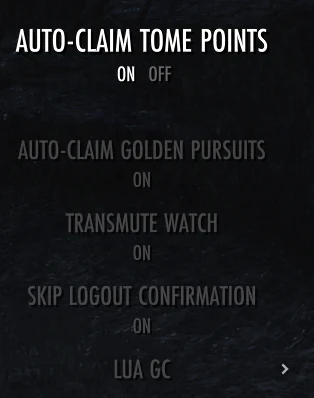
- Auto-claim Tome PointsClaims completed Tamriel Tomes challenges that award Tome Points.
- Auto-claim Golden PursuitsClaims completed rewards that do not require a player choice.
- Transmute WatchPrevents opening transmute packages when crystals could exceed the account cap.
- Skip Logout ConfirmationSkips the logout-to-character-select confirmation from the gamepad menu.
Screenshots
See NQOL in game
A quick look at the menus and HUD tools you can enable for your characters.

Press Escape to close the screenshot preview.
Install
Add NQOL to your ESO
Warning: Please be aware that NQOL is in early development, therefore you can only find it under the "Beta" category for the time being.
Install notes
Open ESO's Add-Ons menu, browse the Beta category while NQOL is in early development, then select NQOL and enable it for your account.
After ESO reloads the UI, open NQOL from the settings menu to enable the features you want to use.
Support
Help shape NQOL
Feedback, ideas, bug reports, and rough edges are welcome.
Send feedback
Share what feels useful, confusing, missing, or broken, and submit new ideas so NQOL can remain practical for console play.
Your feedback is handled by a professional ticketing system and you will remain up to date on the status at all times.
Submit a ticketAttribution / Legal
Credits
ESO artwork and wallpaper imagery are credited to the official The Elder Scrolls Online wallpapers media page.
NQOL does not claim ownership of The Elder Scrolls Online, ESO logos, official artwork, or other ZeniMax/Bethesda assets.
This Add-on is not created by, affiliated with or sponsored by ZeniMax Media Inc. or its affiliates. The Elder Scrolls® and related logos are registered trademarks or trademarks of ZeniMax Media Inc. in the United States and/or other countries. All rights reserved.
™ and © ZeniMax Media Inc. Trademarks are the property of their respective owners. All Rights Reserved.
NQOL menu · 11
Social
Chat, friend awareness, and Group Finder monitoring in one social menu.
Social›Chat
Chat
Add timestamps, restore messages after reloads, keep a gamepad chat HUD visible, customize colors, filter unwanted messages, and mark linked items you are missing.
Social›Chat›Filters
Hide guild-link ads, messages beginning with +, trade posts containing WTT, WTS, or WTB, zone posts containing only one item or guild link, and friend login or logout notifications.
Social›Chat›Guild Colors
Set public and officer chat colors independently for each guild.
Social›Chat›Chat Reminders
Save selected chat messages with R3 and keep them visible in a separate configurable HUD.
Social›Chat›Annotations
Mark linked recipes, furnishing plans, motifs, style pages, collectibles, and set pieces when they are missing, then use Request while browsing chat to prepare a customizable whisper.
Social›Friends
Friends
Shows currently online friends in a compact HUD with optional character names, zones, and status icons.
Social›Group Finder Monitor
Group Finder Monitor
Monitors selected listing categories, shows each creator's player ID and the next refresh countdown, filters by available role, shows role totals, and raises visual and audible alarms for matching words.